AEPS (Aadhaar Enabled Payment System) transaction logs are essential records that help track financial activities performed through Aadhaar-based banking services. Whether you’re a bank official, a business owner, or a customer, understanding these logs can help resolve disputes, monitor transactions, and ensure transparency.
In this guide, we’ll break down how to extract and interpret AEPS transaction logs, covering methods, key details to look for, and common challenges.
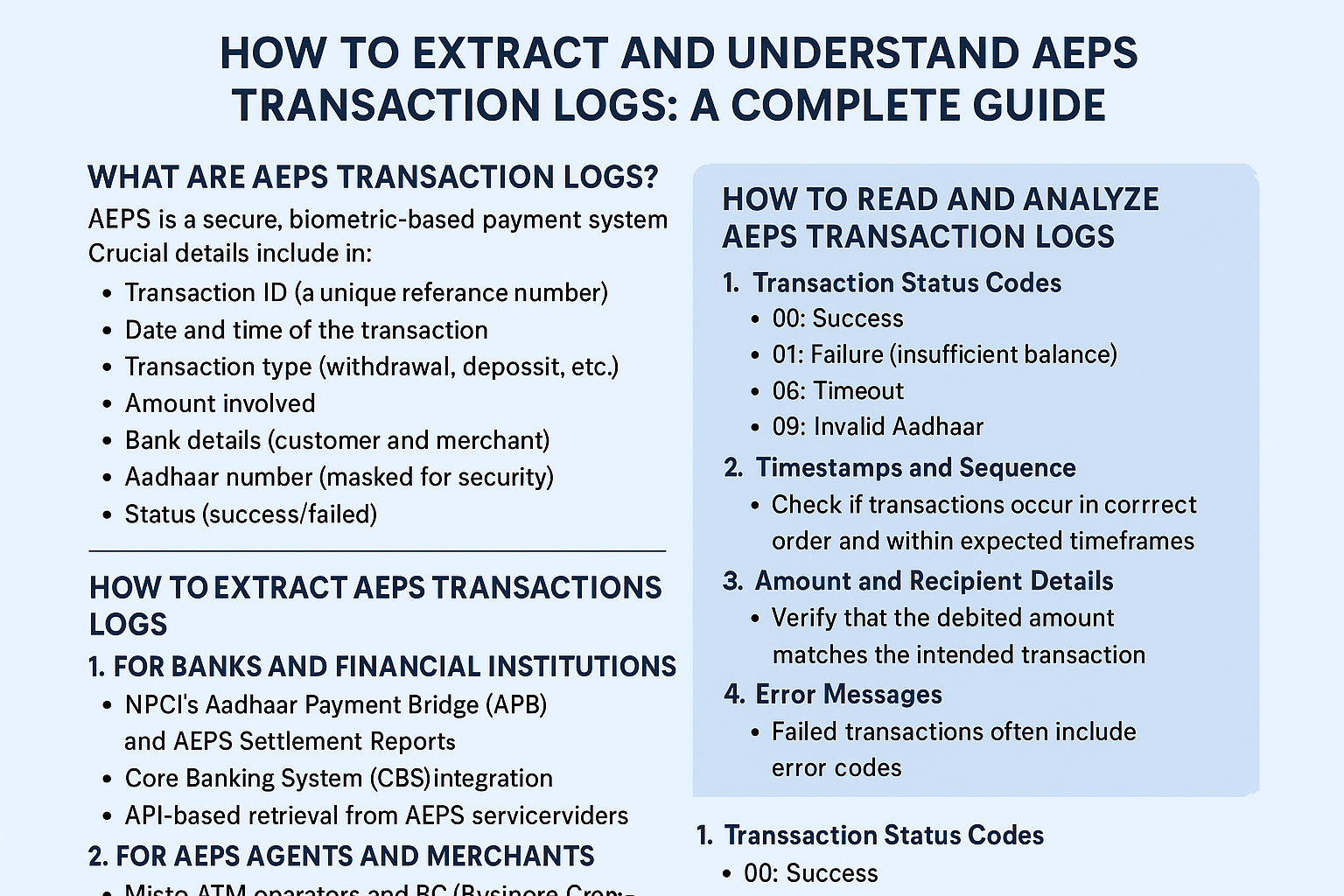
What Are AEPS Transaction Logs?
AEPS is a secure, biometric-based payment system that allows users to perform basic banking transactions using their Aadhaar number. Every time a transaction occurs—be it cash withdrawal, balance inquiry, or fund transfer—a transaction log is generated.
These logs contain crucial details such as:
-
Transaction ID (a unique reference number)
-
Date and time of the transaction
-
Transaction type (withdrawal, deposit, etc.)
-
Amount involved
-
Bank details (customer and merchant)
-
Aadhaar number (masked for security)
-
Status (success/failed)
Understanding these logs helps in auditing, fraud detection, and reconciliation.
How to Extract AEPS Transaction Logs
Extracting AEPS transaction logs depends on whether you are a bank, merchant, or customer. Here’s how each can access them:
1. For Banks and Financial Institutions
Banks maintain centralized AEPS logs through NPCI (National Payments Corporation of India) systems. They can extract logs via:
-
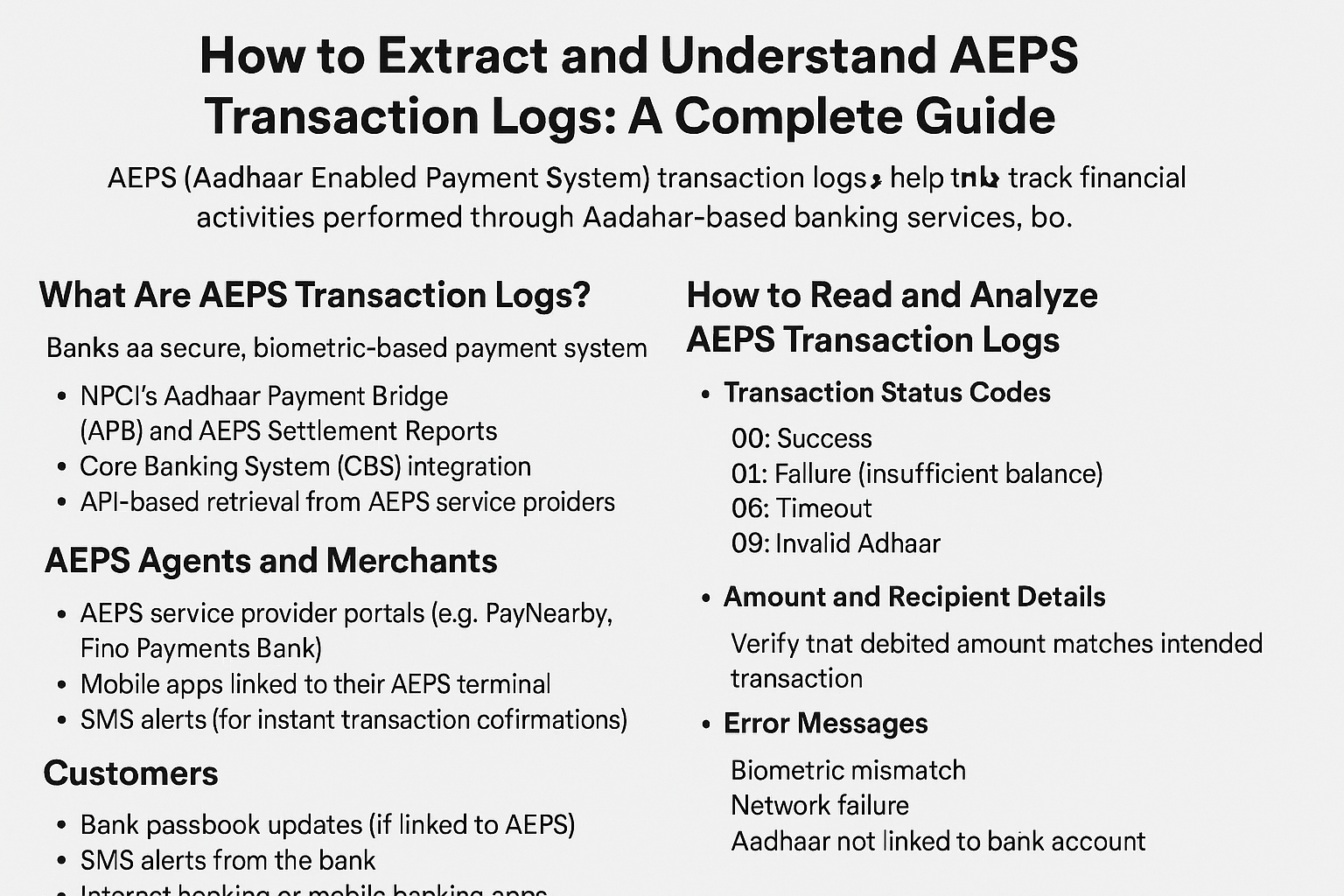
NPCI’s Aadhaar Payment Bridge (APB) and AEPS Settlement Reports
-
Core Banking System (CBS) integration
-
API-based retrieval from AEPS service providers
Banks often use bulk data export tools to generate reports for reconciliation.
2. For AEPS Agents and Merchants
Micro-ATM operators and BC (Business Correspondent) agents can access logs through:
-
AEPS service provider portals (e.g., PayNearby, Fino Payments Bank)
-
Mobile apps linked to their AEPS terminal
-
SMS alerts (for instant transaction confirmations)
Agents should regularly download and store logs for compliance.
3. For Customers
Customers can retrieve their AEPS transaction history via:
-
Bank passbook updates (if linked to AEPS)
-
SMS alerts from the bank
-
Internet banking or mobile banking apps
-
Visiting the bank branch and requesting a statement

How to Read and Analyze AEPS Transaction Logs
Once extracted, interpreting these logs is crucial. Here’s what to look for:
1. Transaction Status Codes
-
00: Success
-
01: Failure (insufficient balance)
-
06: Timeout
-
09: Invalid Aadhaar
2. Timestamps and Sequence
Check if transactions occur in the correct order and within expected timeframes. Unexpected delays or duplicate entries may indicate technical glitches or fraud.
3. Amount and Recipient Details
Verify that the debited amount matches the intended transaction. Cross-check beneficiary details in case of fund transfers.
4. Error Messages
Failed transactions often include error codes. Common issues:
-
Biometric mismatch
-
Network failure
-
Aadhaar not linked to bank account
5. Reconciliation with Bank Statements
Businesses should match AEPS logs with bank statements to detect discrepancies.
Common Challenges in AEPS Transaction Logs
-
Incomplete Data – Some logs may miss timestamps or transaction IDs.
-
Failed Transaction Disputes – Customers may complain of debits without service.
-
Fraudulent Transactions – Unauthorized withdrawals due to biometric misuse.
-
Technical Glitches – Network issues can cause duplicate or missing entries.
Solution: Maintain backups, use real-time alerts, and report discrepancies to the bank immediately.
Best Practices for Managing AEPS Logs
-
Regularly download and store logs (at least 6 months).
-
Use automated reconciliation tools to detect anomalies.
-
Train agents and staff to read logs correctly.
-
Enable SMS/email alerts for real-time monitoring.
Frequently Asked Questions (FAQs)
1. How far back can I retrieve AEPS transaction logs?
Most banks and service providers retain logs for 6 months to 1 year. Older records may require a formal request.
2. What if my AEPS transaction fails but money is deducted?
Check the log for the status code. If it shows failure, the amount is usually reversed within 24-48 hours. If not, raise a complaint with your bank.
3. Can AEPS logs be tampered with?
No, logs are securely stored in bank and NPCI servers and cannot be altered.
4. How do I report a fraudulent AEPS transaction?
Immediately contact your bank, file a complaint, and provide the transaction log details.
Conclusion
Understanding AEPS transaction logs is vital for secure and transparent digital banking. Whether you’re a bank, merchant, or customer, knowing how to extract and analyze these logs helps prevent fraud, resolve disputes, and maintain financial accuracy.
By following best practices—such as regular log checks, real-time alerts, and proper reconciliation—you can ensure smooth AEPS transactions and minimize risks.
Disclaimer
This post is for educational purposes only. If you have any concerns regarding the content, please visit our DMCA page for removal requests. Always verify transaction details with your bank or financial institution for accuracy.