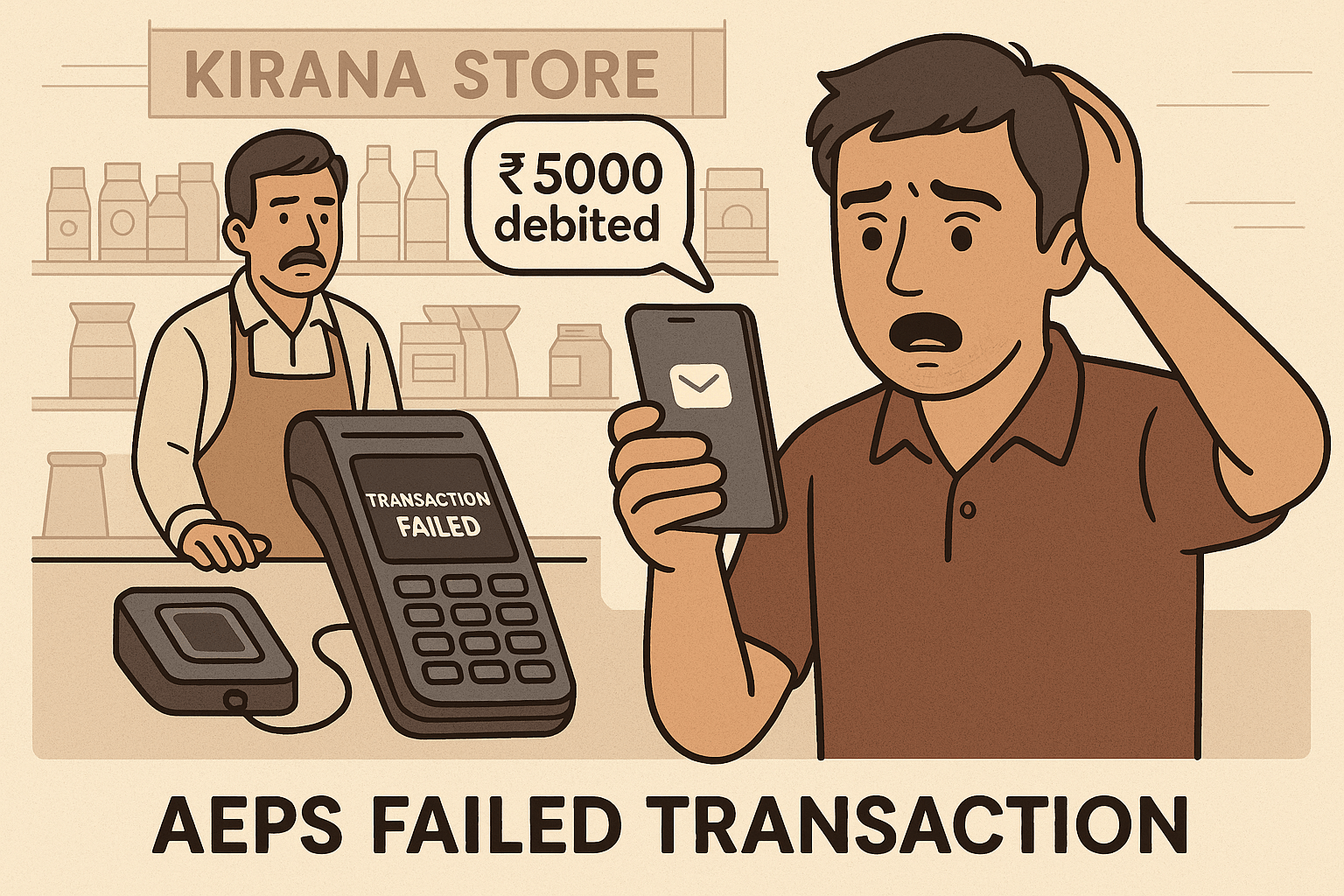
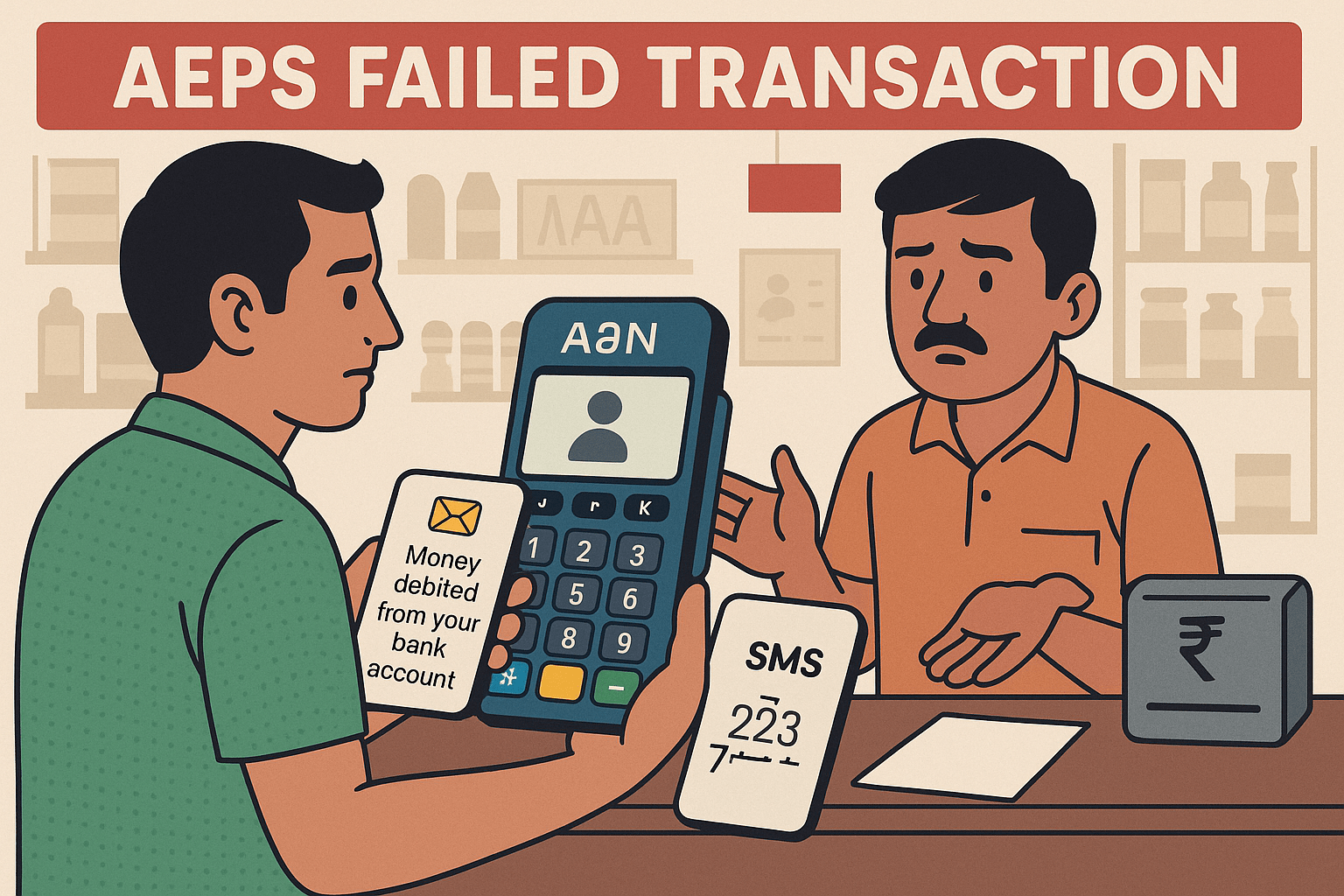
Imagine this: you’re at a local Kirana store, using your Aadhaar number to (AEPS failed transaction) withdraw cash through an AEPS (Aadhaar Enabled Payment System) machine. The transaction fails, but to your horror, you receive an SMS alert that the money has been debited from your bank account. This scenario, an AEPS failed transaction, is frustratingly common across India. But don’t panic. This comprehensive guide will walk you through exactly what to do, who to contact, and how to ensure you get your hard-earned money back.
What Exactly is an AEPS Failed Transaction?
Before we dive into solutions, let’s understand the problem. An AEPS failed transaction occurs when you attempt a banking service (cash withdrawal, deposit, balance inquiry, or fund transfer) using your Aadhaar number and biometric authentication, but the process doesn’t complete successfully. However, in some cases, your bank might still initiate the debit.
This typically happens due to:
-
Network Issues: A glitch between the micro-ATM, the acquiring bank (the Business Correspondent’s bank), and your bank (the issuer).
-
Biometric Mismatch: Worn-out fingerprints or a faulty scanner can cause authentication failure after the debit is initiated.
-
Server Time-Outs: One of the banks’ servers might not respond in time, causing the transaction to “hang” and eventually fail, but not before the money is debited.
-
Technical Glitches: Any software error in the complex AEPS ecosystem.
The key thing to remember is that the system is designed to be self-correcting. Most failed transactions are automatically reversed within a few hours to a maximum of 7 working days. Your first and best course of action is often to wait patiently.
The Immediate Steps to Take After an AEPS Failed Transaction
-
Do Not Panic or Re-attempt Immediately: If the transaction fails, do not try the same transaction again right away. You risk a double debit. Step away from the machine.
-
Collect Proof of the Failed Transaction: This is the most critical step. Do not leave the merchant’s location without:
-
Transaction Slip: Even if the transaction fails, the micro-ATM should generate a receipt. This slip contains vital information like the Transaction ID, UIDAI Number, Bank Reference Number, Terminal ID, and Timestamp. If the machine doesn’t print a slip, ask the merchant to provide the transaction details from their machine’s log.
-
Take a Photo: Use your phone to take a picture of the error message on the micro-ATM screen and the transaction slip.
-
-
Check Your Bank Account Balance Instantly: Use your own bank’s mobile app or USSD code to check your balance. Do not rely on the SMS alert alone, as it can be delayed. Confirm whether the money has actually been debited or if it’s just a “pending” transaction.

The Step-by-Step Guide to Getting Your Refund
If the amount is not automatically reversed within 24 hours, you need to initiate a manual complaint process.
Step 1: Contact the Merchant (Business Correspondent Agent)
Your first point of contact should be the agent or merchant who operated the micro-ATM. Show them the proof of the failed transaction. They have access to the transaction log on their machine and can often initiate a reversal from their end or escalate it to their sponsoring bank (the Acquiring Bank). They can provide you with their bank’s grievance contact details.
Step 2: Register a Complaint with Your Bank (The Issuer Bank)
This is your most powerful recourse. Since the money was debited from your account, your bank is responsible for resolving the issue.
-
How to Complain:
-
Call Customer Care: Dial the bank’s toll-free number. Clearly state that you faced an AEPS failed transaction. Provide them with all the details from your transaction slip (Transaction ID, Terminal ID, amount, time, etc.). Note down the complaint number they provide.
-
Visit the Branch: If a phone complaint doesn’t yield results, visit your home branch. Meet a banking officer, submit a written application, and attach a copy of the transaction slip. Get an acknowledgment on your copy.
-
Use Digital Channels: Use your bank’s mobile app or internet banking portal to raise a grievance ticket. These digital trails are often very effective.
-
-
What to Expect: Under the RBI’s guidelines, banks are mandated to resolve customer complaints within 30 days. For failed AEPS transactions, they typically raise a dispute with the acquiring bank (the BC’s bank). Once the acquiring bank confirms the failure, the funds are reversed.
Step 3: Escalate to the RBI Ombudsman
If your bank does not resolve your complaint within 30 days or gives an unsatisfactory response, you have the right to escalate the matter.
-
The Platform: You can file a complaint online at the RBI’s Integrated Ombudsman Scheme (RB-IOS) portal.
-
The Process: The complaint is free to file. You will need to provide all details of your complaint, including the previous complaint number given by your bank. The Ombudsman acts as a neutral judge and can direct your bank to refund the money along with compensation for the delay.
Proactive Measures to Avoid Future AEPS Transaction Failures
-
Link and Update Your Mobile Number: Your Aadhaar must be linked with your current mobile number to receive transaction alerts.
-
Ensure Sufficient Balance: Always check your balance before initiating a transaction.
-
Use Reliable Agents: Prefer BC agents and micro-ATMs associated with known networks or banks.
-
Keep Your Biometrics Updated: If your fingerprints are worn out, visit an Aadhaar Enrolment Centre to update them.
Conclusion
An AEFS failed transaction is a technical hiccup, not a lost cause. By staying calm, collecting immediate proof, and systematically escalating your complaint from the merchant to your bank and finally to the RBI Ombudsman if needed, you can almost always secure a refund. The system, while not perfect, has robust grievance redressal mechanisms in place. Your awareness and proactive approach are the keys to unlocking them and getting your money back.
Frequently Asked Questions (FAQs)
1. How long does it take for an automatic refund for a failed AEPS transaction?
Most automatic reversals happen within a few hours, but banks are allowed up to 7 working days to reconcile and process the refund.
2. What if the merchant refuses to give me a transaction slip?
This is a red flag. Insist on getting proof. You can still complain to your bank using the approximate time, location, and amount of the transaction. The bank can trace it.
3. The bank is asking for a “UTR Number.” Where do I find this?
The UTR (Unique Transaction Reference) Number is often the same as the Transaction ID or Bank Reference Number printed on your failed transaction slip. Provide that number.
4. Is there a charge for getting a refund?
No. The refund process is free of charge. If any agent or bank official asks for a fee to process your refund, it is illegal. You should report this to the bank.
5. Can I track the status of my refund complaint?
Yes. Once you get a complaint number from your bank (via call, app, or branch), you can use that number to track the status of your grievance through the bank’s customer care or online portal.
Disclaimer: This article is for educational and informational purposes only and does not constitute professional financial or legal advice. The process and timelines for refunds are subject to the guidelines of the Reserve Bank of India (RBI) and individual bank policies. While we strive to provide accurate and up-to-date information, we make no warranties regarding its completeness or accuracy. If you have any concerns about the content of this post, please refer to our DMCA policy page for guidance on content removal and ownership issues.