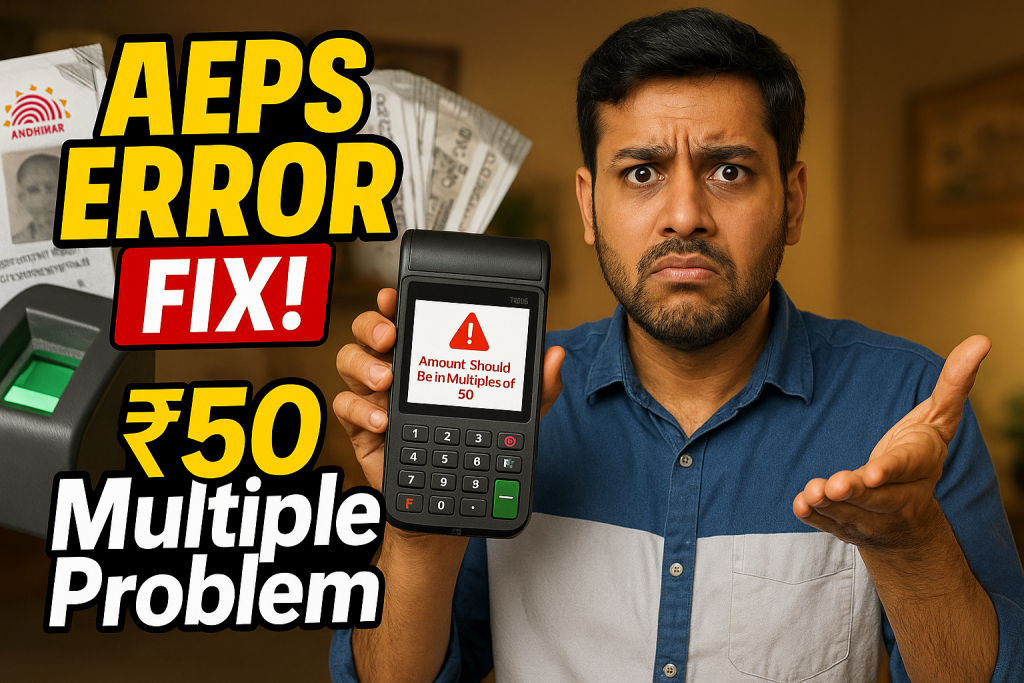
Aeps Error Code : Amount Should Be in Multiples of 50 is a common technical message that many retailers, banking correspondents, and AEPS users encounter during Aadhaar-based transactions. Although the error sounds simple, it can be confusing—especially when customers are in a hurry or when agents aren’t fully aware of why it appears. In this in-depth guide, we will break down the meaning behind this error, why it occurs, and how you can resolve it instantly — without stress or guesswork.

What Is AEPS?
The Aadhaar Enabled Payment System (AEPS) allows users to withdraw cash, check balance, and transfer funds using just their Aadhaar number and fingerprint authentication. AEPS is widely used in rural and semi-urban India because it removes dependency on traditional banking methods.
According to UIDAI and NPCI reports, AEPS processes millions of transactions every day, making it one of the most important financial inclusion tools in the country.
Meaning of “Aeps Error Code : Amount Should Be in Multiples of 50”
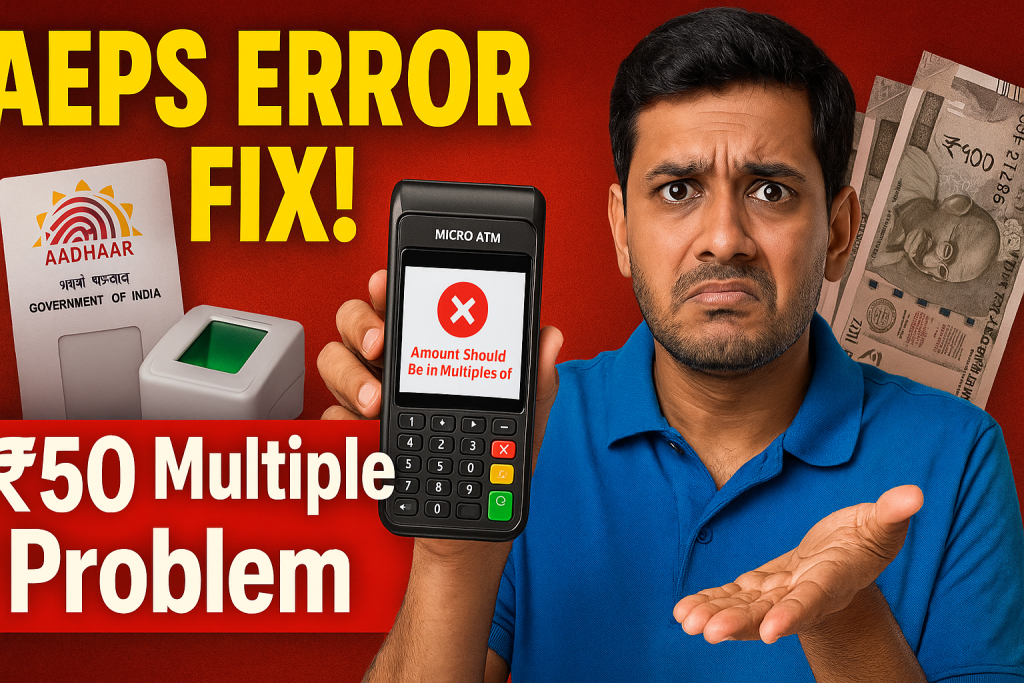
The message Aeps Error Code : Amount Should Be in Multiples of 50 appears when a user tries to withdraw a cash amount that does not match the amount-handling rules configured by the customer’s bank.
Most banks only allow AEPS cash withdrawals in fixed denominations—generally multiples of ₹50 or ₹100. When a withdrawal request violates this rule, the system automatically rejects the transaction.
Why This AEPS Error Occurs
Here are the main reasons behind this error:
1. Bank Withdrawal Rules
Some banks restrict AEPS withdrawals to fixed slabs:
-
₹50
-
₹100
-
₹150
-
₹200
-
₹250
…and so on.
If a customer requests ₹170 or ₹230, the system denies it because these are not valid multiples.
2. Cash Management Requirements
Banks build these slab rules to make cash disbursement easier at micro-ATM counters, ensuring smooth circulation and predictable withdrawal patterns.
3. NPCI AEPS Guidelines
NPCI’s AEPS specifications allow banks to configure their own withdrawal denominations.
(Reference: https://www.npci.org.in/product-aeps)
4. Retailer Input Error
Many errors occur when retailers accidentally enter a wrong amount in a hurry.
5. Device/Application Format Issues
Some AEPS service providers enforce strict amount formats.
Example: Only “50, 100, 150…” are accepted, not “051” or “100.00”.
How to Fix “Amount Should Be in Multiples of 50” Error
Here are the quickest solutions:
✔ 1. Enter a Correct Amount
Simply change the withdrawal amount to a valid multiple of 50:
-
Instead of ₹170 → enter ₹150 or ₹200
-
Instead of ₹230 → enter ₹200 or ₹250
This resolves 90% of cases instantly.
✔ 2. Check the Customer’s Bank Rules
Different banks have different AEPS withdrawal limits.
For example:
-
Some banks allow multiples of ₹100
-
Some allow multiples of ₹50
-
Some allow only ₹500+
Ask the customer which bank they use and adjust accordingly.
✔ 3. Update Your AEPS Application
Outdated software can cause rejection due to format issues.
Regular updates avoid such problems.
✔ 4. Re-enter Amount Without Decimal
Avoid typing formats like:
-
100.0
-
50.00
Use whole numbers only.
✔ 5. Try a Lower or Higher Slab
Sometimes the customer’s bank restricts smaller amounts.
If ₹50 fails, try ₹100 or ₹150.
Real-World Examples
Example 1: Customer Wants ₹170 Withdrawal
Retailer enters 170 → Error appears.
Solution → Enter 150 or 200.
Example 2: Rural AEPS Counter
Many local banks in rural areas only accept multiples of ₹100 through AEPS due to cash availability issues.
Example 3: Bank-Specific Rules
A customer of Bank A may withdraw in multiples of 50, but Bank B may require multiples of 100.
This explains why some transactions work for one customer but fail for another.
How Retailers Can Reduce AEPS Errors
To provide better customer service and avoid daily frustrations, retailers can follow these tips:
1. Always Ask for Bank Name First
Bank-specific slab rules are the #1 cause of confusion.
2. Keep a Quick Reference Chart
Maintain a small chart like:
-
SBI → Multiple of 100
-
Bank of Baroda → Multiple of 50
-
Regional Rural Banks → Varies
3. Inform Customers Before Entering Amount
This reduces back-and-forth and speeds up service.
4. Provide Clear Communication
Explain that the restriction is from the bank, not from the AEPS device.
5. Update Your AEPS App Regularly
Most technical glitches disappear automatically after updates.
Internal & External Resources
Here are links that readers may find useful:
External (Dofollow)
-
NPCI AEPS Official Page: https://www.npci.org.in
-
UIDAI Aadhaar Services: https://uidai.gov.in
Internal (Example Suggestions)
-
How to Fix AEPS Biometric Failure
-
Understanding Aadhaar-Based Cash Transactions
-
AEPS Daily Limit Explained
(Replace internal links with your own website URLs.)
Frequently Asked Questions (FAQs)
1. What does “Aeps Error Code : Amount Should Be in Multiples of 50” mean?
It means the withdrawal amount entered is not allowed by the customer’s bank. You must use amounts like 50, 100, 150, 200, etc.
2. Why do banks enforce withdrawal in multiples of 50?
It helps with cash management and simplifies distribution at AEPS counters.
3. Can I withdraw ₹170 or ₹230 using AEPS?
No, unless your bank allows non-standard amounts. Use the nearest valid multiple: ₹150 or ₹200.
4. Is this error caused by the AEPS device?
Mostly no. It is usually caused by bank-configured withdrawal rules.
5. How can retailers avoid this error?
By entering correct multiples, knowing bank rules, and updating the AEPS software regularly.
Conclusion
The Aeps Error Code : Amount Should Be in Multiples of 50 is not a system failure but a simple rule-based rejection set by banks to maintain consistent cash withdrawal patterns. Once you understand how it works—and why it exists—fixing it becomes quick and effortless. By entering a valid amount, confirming the customer’s bank rules, and keeping your AEPS system updated, you can avoid this error and ensure smooth, fast, and reliable transactions every time.
Disclaimer
This article is created for educational purposes only. If you have any concerns regarding this content, please visit our DMCA page and follow the content removal guidelines. You must verify ownership or any related issues before requesting removal.