Aeps Error Code: 52 – Customer Aadhaar number is not linked with Selected Bank is a common issue faced by users while performing transactions via AEPS. This guide explains its causes, solutions, and preventive measures in simple terms.
In today’s digital banking era, Aadhaar Enabled Payment System (AEPS) has become a cornerstone for easy, cashless transactions. However, users often encounter technical hurdles, and one of the most frequently reported errors is Aeps Error Code: 52 – Customer Aadhaar number is not linked with Selected Bank. This error can disrupt transactions and create confusion if not understood properly. In this article, we will explore the reasons behind this error, how to fix it, and tips to avoid it in the future.


What is AEPS and How Does It Work?
AEPS, or Aadhaar Enabled Payment System, is a revolutionary banking service that allows users to perform transactions using their Aadhaar number and biometric authentication. It eliminates the need for ATM cards, PINs, or internet banking in many cases. AEPS services include:
-
Cash withdrawal
-
Balance inquiry
-
Aadhaar to Aadhaar fund transfer
-
Mini statement
The system relies heavily on the Aadhaar database being linked correctly with the user’s bank account. Any mismatch or unlinked status can trigger errors such as Error Code 52.
Understanding Aeps Error Code: 52
Aeps Error Code: 52 – Customer Aadhaar number is not linked with Selected Bank occurs when the bank account selected for the transaction is not associated with the Aadhaar number entered. Simply put, the bank does not recognize your Aadhaar number as linked to the account, making it impossible to process AEPS transactions.
Why This Error Occurs
-
Bank Account Not Linked to Aadhaar:
If your bank account was opened without linking it to Aadhaar, AEPS transactions will fail. -
Incorrect Aadhaar Number:
A small mistake while entering your Aadhaar number can result in a mismatch. -
Pending Bank Updates:
Banks periodically update their records with UIDAI (Unique Identification Authority of India). Any pending updates may trigger this error. -
Technical Glitches:
Sometimes, network issues or server downtime between the bank and UIDAI can cause temporary failures.
Real-Life Example
Consider Ramesh, a small shop owner in Jaipur. He tried withdrawing cash using AEPS at a local banking correspondent. Despite entering the correct Aadhaar and account details, the transaction failed, showing Aeps Error Code: 52. Upon visiting his bank, he discovered his Aadhaar was not updated in the bank’s records. After completing the linkage, his AEPS transactions worked seamlessly.
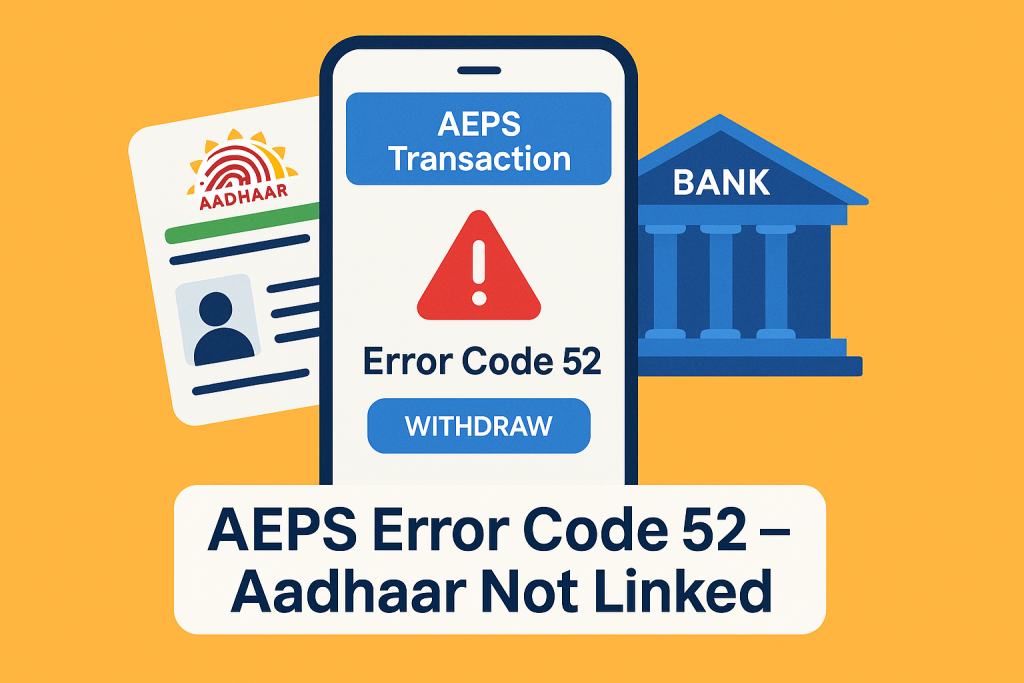
How to Fix Aeps Error Code: 52
Step 1: Verify Aadhaar-Bank Linkage
-
Visit your bank branch or check online if your Aadhaar is linked to your account.
-
Use your bank’s official website or mobile app to verify the linkage.
Step 2: Update Aadhaar Details
-
If your Aadhaar is not linked, submit a linking request either online (via net banking or the bank’s portal) or offline at your branch.
-
Ensure the Aadhaar number matches your bank records exactly.
Step 3: Retry the Transaction
-
After successful linkage, retry your AEPS transaction.
-
If the issue persists, wait for 24–48 hours for bank and UIDAI systems to synchronize.
Step 4: Contact Bank or UIDAI Support
-
Reach out to your bank’s customer service for assistance.
-
For Aadhaar-related queries, UIDAI helpline (1947) can provide guidance.
Tips to Avoid This Error in the Future
-
Always ensure your Aadhaar is linked with your bank account before performing AEPS transactions.
-
Double-check the Aadhaar number while entering it.
-
Keep your bank and Aadhaar details updated.
-
Use official bank apps or trusted AEPS platforms to reduce errors.
Importance of Linking Aadhaar with Bank
Linking Aadhaar with your bank account is not just crucial for AEPS transactions; it is also necessary for:
-
Subsidy transfers under government schemes
-
Digital payments and e-KYC verification
-
Preventing fraudulent transactions
According to UIDAI reports, over 98% of Aadhaar holders have linked their accounts, but a small fraction still faces issues like Aeps Error Code: 52 due to incomplete updates.
Frequently Asked Questions (FAQs)
Q1: Can I use AEPS without linking my Aadhaar?
No, linking Aadhaar with your bank account is mandatory for AEPS transactions.
Q2: How long does it take to link Aadhaar with a bank?
Typically, it takes 24–48 hours for the linkage to reflect in the system, depending on the bank.
Q3: What should I do if my AEPS transaction fails even after linking?
Wait for a day to ensure synchronization between your bank and UIDAI, then retry. If the problem persists, contact customer care.
Q4: Can I link multiple bank accounts with one Aadhaar?
Yes, but each account must be individually linked and verified.
Conclusion
Aeps Error Code: 52 – Customer Aadhaar number is not linked with Selected Bank is a common but easily fixable problem. By understanding its causes, verifying your Aadhaar linkage, and keeping your bank details updated, you can ensure smooth AEPS transactions. Always rely on official channels for updates and linkage to avoid errors. AEPS makes banking convenient, but only when your details are accurate and synchronized.
Disclaimer: This post is made for educational purposes only. If you have any problems with this post, please visit our DMCA page and follow the guide related to content removal. Always verify ownership or issues related to this content before taking action.