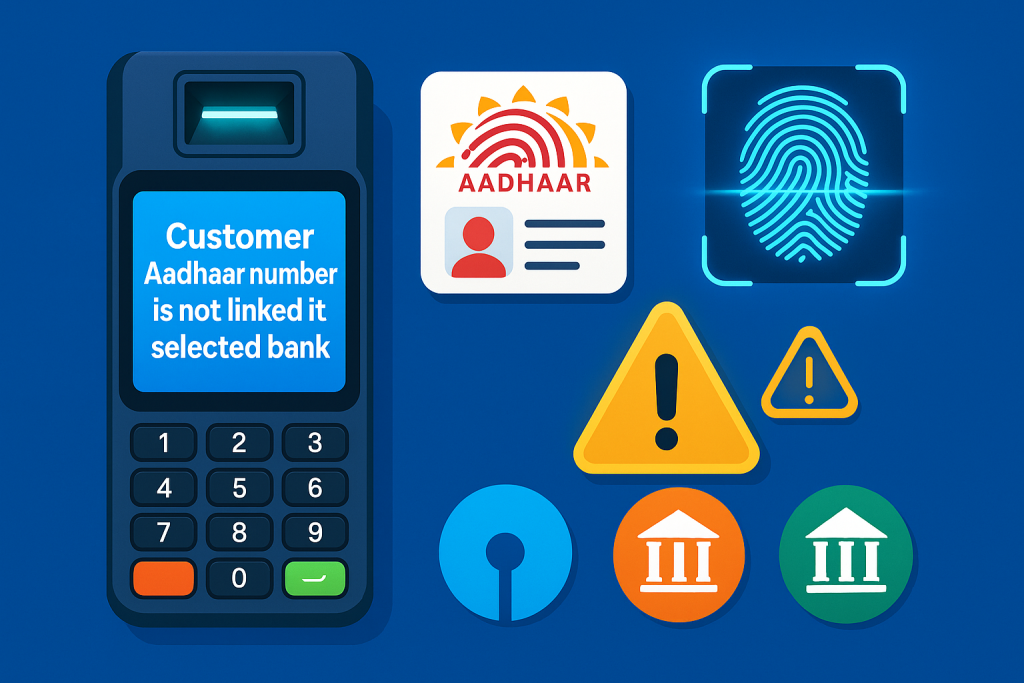
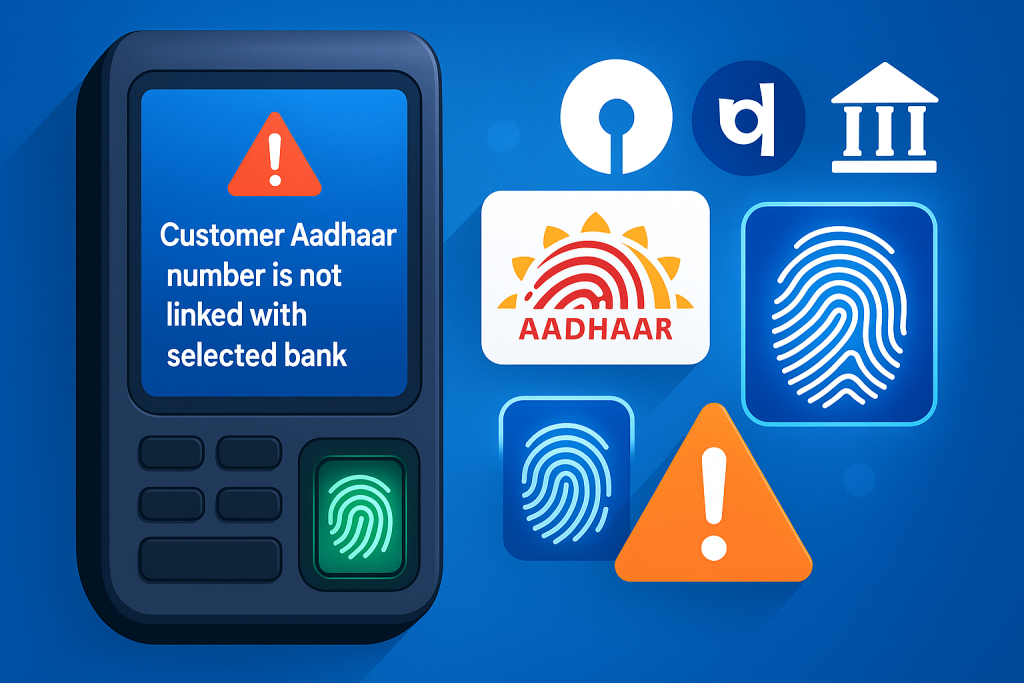
<mark>Customer Aadhaar number is not linked with selected bank</mark> is one of the most common AEPS (Aadhaar Enabled Payment System) errors faced by retailers, CSPs, and banking correspondents across India. If you’ve been handling AEPS transactions for a while, you already know how frustrating it can be when the transaction fails at the last moment—especially when the customer is in a hurry.
In this in-depth guide, we’re going to explore why this error appears, how AEPS linking actually works, real-world examples, and most importantly, the step-by-step methods to fix the Customer Aadhaar number is not linked with selected bank error instantly.

Introduction: Understanding AEPS Errors in Daily Transactions
AEPS has transformed banking in rural and urban India by allowing customers to withdraw cash, check balances, and perform transactions using only their Aadhaar and fingerprint. But with convenience comes occasional errors, and one of the most frequent ones is — Customer Aadhaar number is not linked with selected bank.
This error doesn’t occur because of machine issues or server downtime—it’s directly connected with the way Aadhaar is mapped to bank accounts.
Understanding this helps you solve the problem faster and assist your customers more confidently.
What Does “Customer Aadhaar Number Is Not Linked With Selected Bank” Mean?
Even if the customer has an account in that bank, their Aadhaar may not be mapped, or the Aadhaar may be mapped to some other bank.
This means:
-
The fingerprint is correct
-
Aadhaar is valid
-
AEPS network is working
But the bank you selected does not have Aadhaar linked to that account.
Why Does This AEPS Error Occur?
Let’s break it down into the most common causes:
1. Aadhaar Not Linked to the Selected Bank
This is the primary reason. If Aadhaar isn’t linked, AEPS cannot authenticate.
2. Aadhaar Linked to a Different Bank
In India, Aadhaar gets mapped using NPCI Mapper.
If a customer has multiple bank accounts, the latest Aadhaar seeding usually overwrites the old one.
3. Aadhaar Linking Request Still Pending
Sometimes the customer submits Aadhaar at the bank, but:
-
The bank hasn’t updated NPCI Mapper
-
The update is still in process
-
KYC is not fully complete
4. Bank Server/Mapper Sync Delay
Even after linking, it may take 24–72 hours for Aadhaar to appear in the NPCI database.
5. Customer Selected Wrong Bank in AEPS
Often customers say:
“Account SBI me hai.”
But in reality, Aadhaar is linked to:
-
Aadhaar Payment Bank
-
Gramin Bank
-
Old bank account that they forgot about
6. Aadhaar is Delinked Automatically
Sometimes NPCI delinks Aadhaar due to:
-
Dormant accounts
-
KYC expiry
-
Bank mergers
How to Fix Customer Aadhaar Number Is Not Linked With Selected Bank (Step-by-Step)
Here’s the complete solution guide every AEPS retailer should follow:
✔ Step 1: Confirm the customer’s primary Aadhaar-linked bank
Ask the customer:
“Aadhaar kis bank se link hai? Aakhri baar kis bank mein update karaaya tha?”
Most customers remember the account where they submitted Aadhaar last.
✔ Step 2: Use AEPS Bank Mapper Check (If available in your portal)
Some AEPS portals like Paynearby, Spice Money, RBPAY, etc., provide a feature to check the Aadhaar Mapper.
This will tell you:
-
Aadhaar linked bank
-
Last updated bank
-
Status: Active/Inactive
If available, always use it.
✔ Step 3: Try Another Bank Option in AEPS
If the customer is unsure, do the following:
-
Try SBI
-
If failed, try Bank of Baroda / PNB / HDFC whichever customer has
-
Try Airtel Payment Bank / IPPB / Gramin Bank, depending on region
Usually, one of them succeeds because Aadhaar is linked somewhere.
✔ Step 4: Ask customer to visit bank for Aadhaar seeding
If Aadhaar truly isn’t linked, tell the customer to visit their bank branch with:
-
Aadhaar card
-
Bank passbook
-
Mobile number
Once linked, it takes 24–48 hours to reflect in AEPS.
✔ Step 5: Check if Aadhaar is linked in multiple banks
NPCI Mapper only accepts one bank at a time for AEPS.
If the customer recently linked Aadhaar to another bank, AEPS will work only for the newly linked bank.
✔ Step 6: Update KYC
If the customer’s KYC is incomplete, Aadhaar mapping may fail.
Tell them to update KYC in their bank.
Real Case Studies: How Retailers Solve This Error
Case Study 1: Aadhaar Linked to Old Gramin Bank
A customer came for an SBI AEPS withdrawal.
Error showed: Customer Aadhaar number is not linked with selected bank.
After checking, Aadhaar was actually linked to his old Gramin Bank account he opened 8 years ago.
Transaction succeeded only after selecting Gramin Bank.
Case Study 2: Aadhaar Updated but Not Synced
A customer updated Aadhaar in PNB branch morning.
Tried AEPS withdrawal afternoon.
Same error appeared.
Reason: NPCI Mapper updates take time.
Next day, the transaction worked.
Tips to Avoid This Error in Future
-
Always ask latest Aadhaar update bank
-
Prefer AEPS mappers where available
-
Educate customers about Aadhaar seeding
-
Use internal training for staff
-
Avoid retrying transactions repeatedly
Add Image Suggestion
Add an image with this alt text:
Alt text: Customer Aadhaar number is not linked with selected bank AEPS error
External Useful Links (DoFollow Recommended)
You may add these official links as DoFollow for better SEO:
-
NPCI Aadhaar Mapper Information – https://www.npci.org.in
-
UIDAI Aadhaar Services – https://uidai.gov.in
-
RBI Guidelines on Aadhaar-Enabled Banking – https://rbi.org.in
Internal Linking Suggestions
To boost your site SEO, link to:
-
Your article on AEPS Debit Facility
-
Your guide to AEPS Error Code 22
-
Your DMCA or Contact page
-
Your Banking / Finance category page
Frequently Asked Questions (FAQs)
1. What does “Customer Aadhaar number is not linked with selected bank” mean?
It means that the selected bank does not have the customer’s Aadhaar information linked or mapped to their account.
2. How can I fix this AEPS error?
Check Aadhaar mapper, select the correct bank, or ask the customer to link Aadhaar in their bank.
3. How long does Aadhaar linking take?
Typically 24–72 hours after submission.
4. Can Aadhaar be linked with multiple banks?
Yes, but NPCI uses only one bank as the primary linked bank for AEPS.
5. What if the customer forgot where Aadhaar was linked?
Use AEPS Mapper (if available) or check all possible banks where they might have updated it earlier.
Conclusion
The Customer Aadhaar number is not linked with selected bank error is not a technical glitch—it’s a linking issue between the customer’s Aadhaar and the bank’s NPCI database. Once you understand how Aadhaar mapping works, solving this error becomes straightforward. Always guide customers patiently and help them choose the correct bank, update Aadhaar, and ensure mapping is active.
AEPS is powerful, but it depends heavily on accurate Aadhaar seeding—so awareness is the key.
Disclaimer
This article is created for educational purposes only. If you have any issues with this post or believe that any content violates your rights, please visit our DMCA page and follow the removal guidelines. You may be required to verify ownership or concerns related to this post before action is taken.