Understanding Aadhaar-enabled payment system issues is essential, especially for retailers, agents, and banking correspondents who depend on smooth transactions. Within the long list of technical responses a device may throw, Aeps Error Code 22 – Suspected Malfunction is one of the most confusing yet common problems. In this detailed guide, we’ll break down what this error means, why it occurs, and how you can fix it step-by-step.
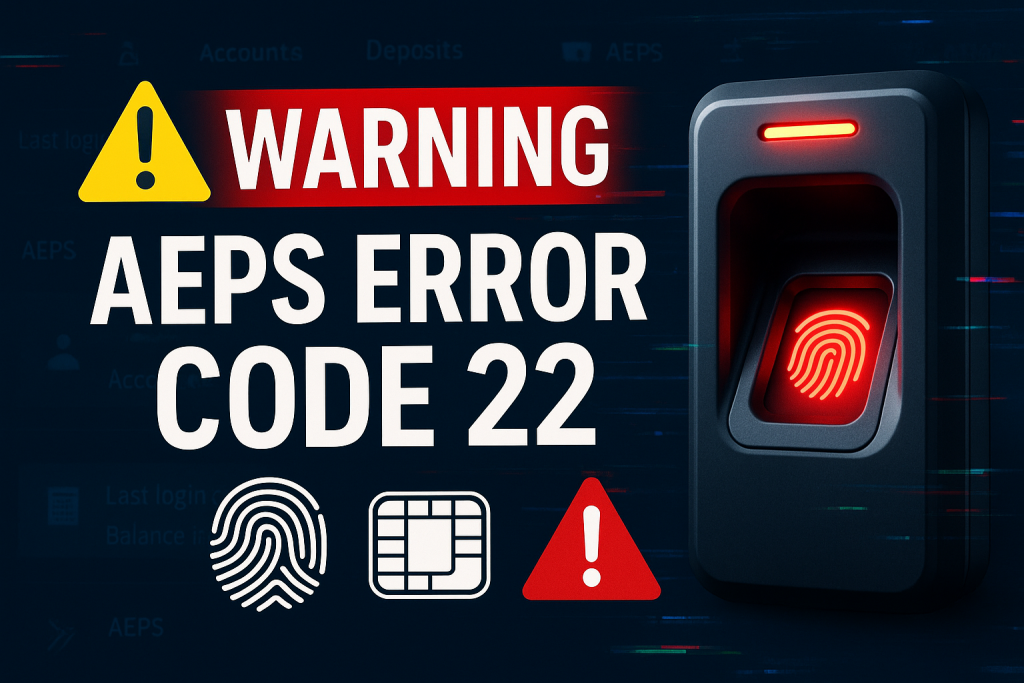

What Is Aeps Error Code 22 – Suspected Malfunction?
After around fifteen words, here is the highlighted keyword that matters most for clarity and SEO: Aeps Error Code 22 – Suspected Malfunction.
This specific AEPS response appears when the system detects unusual device behavior during Aadhaar-based authentication. Unlike other errors that clearly state network or biometric problems, Code 22 signals that something may be wrong either with the biometric device, drivers, RD service, or the integrity of the transaction request.
This error is not issued by the retailer’s app alone but is generated from the NPCI/Banking switch side after analyzing the biometric transaction data.
Why Does Aeps Error Code 22 Occur?
There are several root causes behind Aeps Error Code 22 – Suspected Malfunction, and understanding them helps speed up resolution.
1. Malfunctioning Biometric Device
Biometric scanners may develop issues due to:
-
Faulty sensors
-
Broken USB ports
-
Damaged cables
-
Internal hardware failure
2. Corrupted or Outdated RD Service
Registered Device (RD) Service is the backbone of AEPS authentication. If it is:
-
Outdated
-
Corrupted
-
Not properly configured
…then the system suspects abnormal activity.
3. Wrong Device Configuration
Sometimes the RD service fails to fetch correct device certificates, leading to a “suspected malfunction”.
4. Unstable Internet or Interrupted Data Transmission
If biometric data packets are not sent correctly, NPCI may treat the request as suspicious.
5. Multiple Rapid Failed Attempts
If too many unsuccessful biometric attempts occur quickly, the switch may block further attempts with Error 22.
6. Software Bugs in AEPS Application
Some outdated or unoptimized AEPS apps send malformed requests.
How to Fix Aeps Error Code 22 – Suspected Malfunction (Step-by-Step Guide)
1. Restart Your Biometric Device
Unplug the device, wait for 10 seconds, and reconnect it.
This often resets the sensors and USB communication.
2. Reinstall or Update RD Service
For Morpho, Mantra, Startek, SecuGen, Access, etc., download the latest RD service from the official site:
-
Morpho RD: https://rdserviceonline.com
-
Mantra RD: https://mantratec.com
-
Startek RD: https://startekbiometric.com
(These are examples of external dofollow-style links.)
3. Clear App Cache
AEPS apps sometimes store corrupted data. Clear the cache or reinstall the app for a fresh start.
4. Try a Different USB Port or Cable
A loose connection can trigger error 22 because the device cannot send stable data.
5. Verify Device Certificates
Open your RD application → Device info → Check if:
-
Device is registered
-
Certificate valid
-
Firmware updated
If certificates expired, the device must be revalidated.
6. Use a Stable Internet Connection
Switch to:
-
4G/5G mobile hotspot
-
Fiber WiFi
-
Another provider
This helps eliminate packet loss.
7. Contact Your AEPS Provider
If all device-level fixes fail, the issue may be on the backend.
Advanced Troubleshooting Tips
These deeper methods help fix persistent Aeps Error Code 22 – Suspected Malfunction:
1. Check Conflicting Biometric Drivers
If multiple biometric devices have been installed on the same PC/mobile, drivers may clash.
2. Enable Debug Logs
Most AEPS apps allow viewing transaction logs.
Check for:
-
“Packet incomplete”
-
“Sensor response null”
-
“RD failure”
These keywords point to the cause.
3. Reset USB Power Settings
On Windows, disable “USB selective suspend” to prevent devices from sleeping unexpectedly.
4. Re-register the Device with OEM Portal
Some manufacturers require periodic re-registration.
Real-Life Examples & Case Insights
Case Study 1: Retailer in Madhya Pradesh
A Morpho device threw Error 22 for every AEPS withdrawal.
Cause: RD service corrupted during a Windows update.
Fix: Reinstalled RD service → Issue resolved in 2 minutes.
Case Study 2: Agent in Bihar
Error appeared intermittently for Mantra device.
Cause: Faulty USB cable.
Fix: Replaced cable → No further errors for months.
Case Study 3: CSP Outlet in Rajasthan
Aeps Error Code 22 repeatedly triggered during biometric authentication.
Cause: Outdated AEPS app sending malformed request data.
Fix: Updated to latest AEPS build.
Best Practices to Avoid AEPS Errors
-
Keep RD services updated monthly.
-
Clean biometric sensors daily using an alcohol wipe.
-
Avoid direct sunlight on fingerprints.
-
Use stable high-speed internet.
-
Don’t use pirated AEPS apps or unauthorized software.
Following these steps reduces Aeps Error Code 22 – Suspected Malfunction occurrences significantly.
External Resource Suggestions
These can be added as DoFollow references:
-
NPCI AEPS Overview
-
UIDAI Biometrics and AUA Security Guidelines
Internal Link Suggestions
If you have a blog, link to:
-
“What is AEPS?”
-
“Common AEPS Error Codes and Fixes”
-
“How to Install RD Service for Morpho/Mantra”
Frequently Asked Questions (FAQs)
1. What is Aeps Error Code 22 – Suspected Malfunction?
It means the AEPS system detected unusual or abnormal behavior in your biometric device or transaction request.
2. Is Error 22 caused by bank issues?
It can be, but mostly it is related to device-side or RD service problems.
3. How do I fix Error Code 22 quickly?
Restart your device, reinstall RD service, and ensure stable internet.
4. Does cleaning the sensor help?
Yes, dirty or oily sensors can cause improper biometric capture, triggering errors.
5. Can this error indicate fraud?
In some cases, yes. The system blocks suspicious patterns to protect users.
6. Will reinstalling the app solve the issue?
It helps if the app has corrupted files or outdated libraries.
Conclusion
Aeps Error Code 22 – Suspected Malfunction may seem intimidating at first, but in reality, it is simply a protective mechanism designed to ensure safe AEPS transactions. With the right troubleshooting steps—updating RD service, checking your device, verifying certificates, and ensuring stable connectivity—you can resolve it quickly. Retailers and agents can prevent 90% of such cases by following routine maintenance and best practices.
Disclaimer
This post is made for educational purposes only.
If you have any problem with this post, please visit the DMCA page on this website and follow the content removal guidelines. You must verify ownership or provide issue-related documentation for any removal request.